How to use Proton VPN on Android TV
With Proton VPN, you can stream and watch video content on any Android TV by installing the app directly on your TV set. The app allows you to watch content from more than 130 countries. All you need is a paid Proton VPN plan (VPN Plus, Unlimited, Duo, Family, or Visionary) and an account with the streaming service you want to use.
Which devices support Proton VPN for Android TV?
Android TV is built into some smart TVs and comes installed on a selection of streaming sticks and boxes that can plug into any TV with a spare HDMI port.
The Proton VPN app for Android TV works on Chromecast with Google TV stick and on any TVs that use the (Android-based) Google TV interface. Users of Chromecast-only devices (Chromecast 1st Gen, 2nd Gen, Ultra, and 3rd Gen) will instead need to set up a VPN ROUTER to use their device with our VPN service.
You can also use the Proton VPN for Android TV app on Amazon Fire OS (“Fire TV Stick”) devices, but the setup process for this is slightly different from that for regular Android TV devices.
Learn how to use our app on an Amazon Fire TV / Fire Stick device
How to download and sign in to Proton VPN on Android TV
- Download Proton VPN on your TV. You can find the app on your TV’s app store. Alternatively, you can install the app from the Google Play Store on your desktop browser. Select your Android TV as the device to install the app on — this will automatically start the installation on your TV.
Download Proton VPN for Android TV(new window)
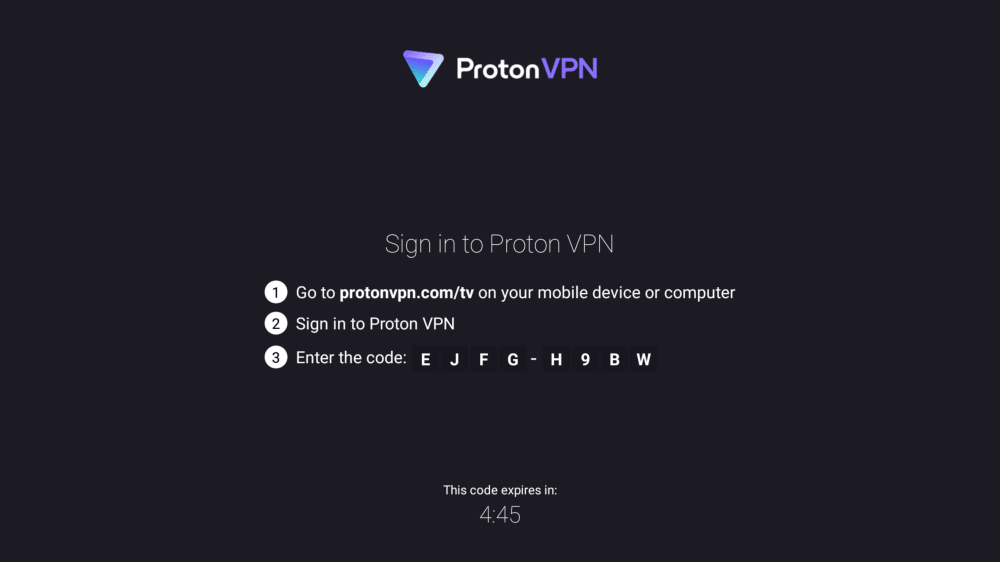
- Sign in or create an account. When you open the app for the first time, you’ll see an 8-digit code on your screen.
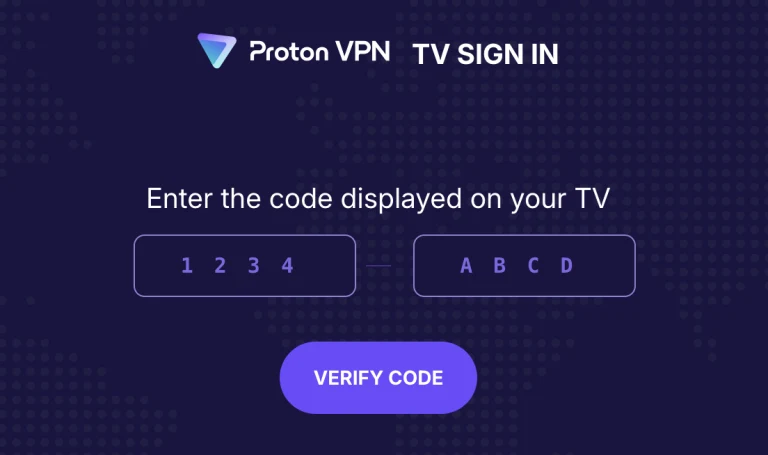
To sign in using this code, grab another device (smartphone or laptop) and go to https://protonvpn.com/tv. Enter your username and password to sign in. Enter the 8-digit code from your TV screen, then select Verify code.
Trouble signing in to Proton VPN for Android TV?
If you’ve signed into your Proton Account and you can’t see anywhere to enter your 8-digit code, make sure you’re on https://protonvpn.com/tv(new window) (/tv) and not https://protonvpn.com(new window).
How to connect to a VPN server
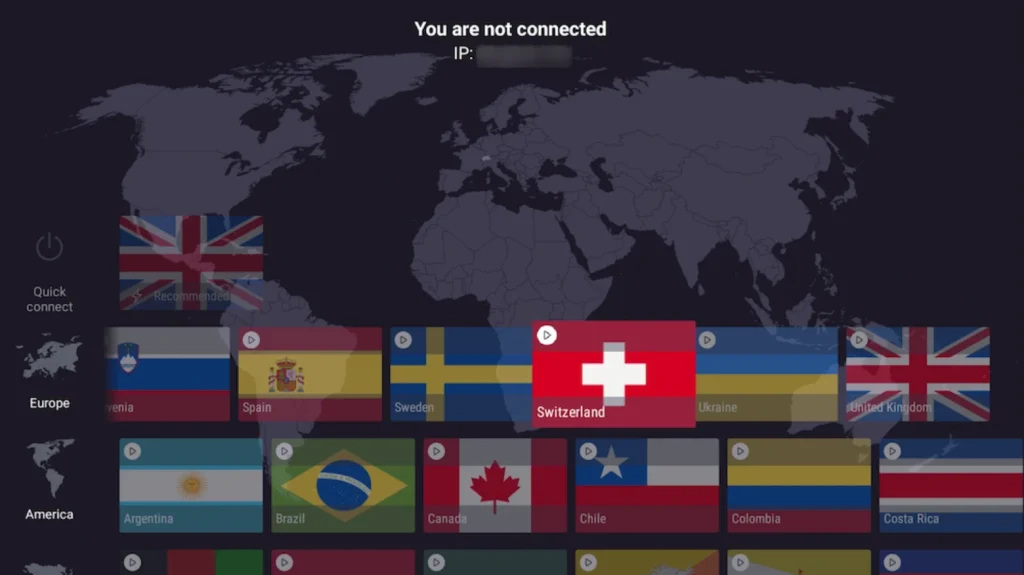
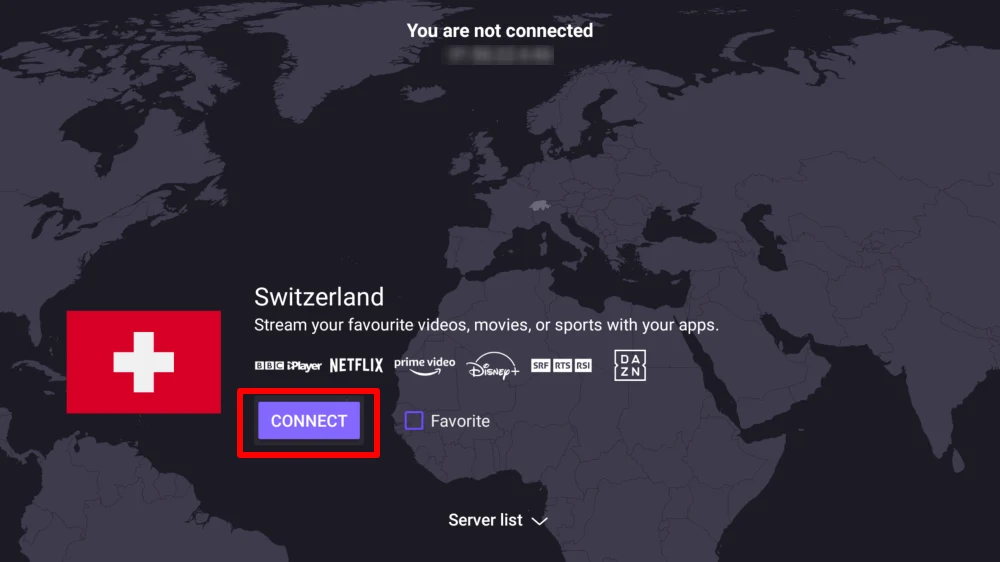
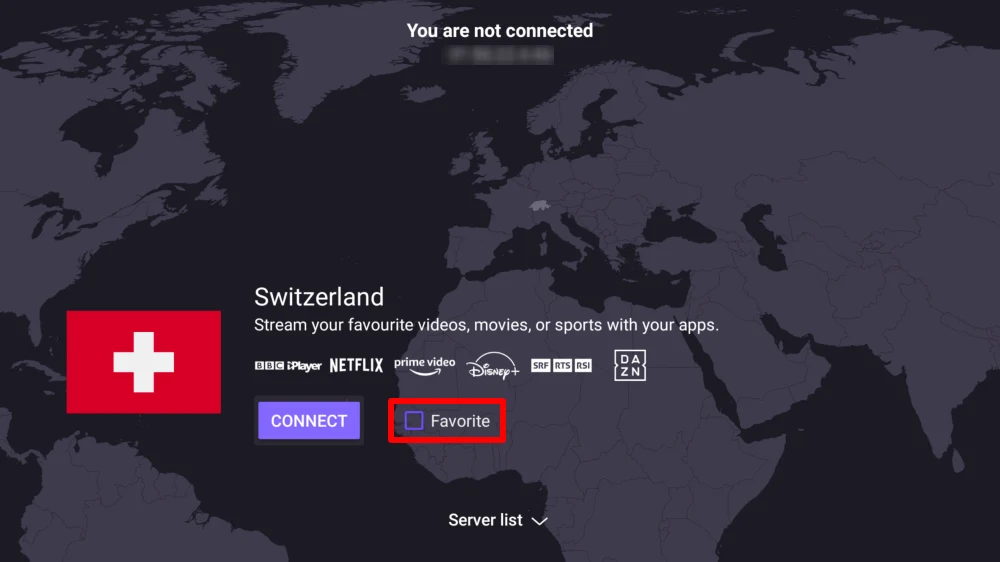
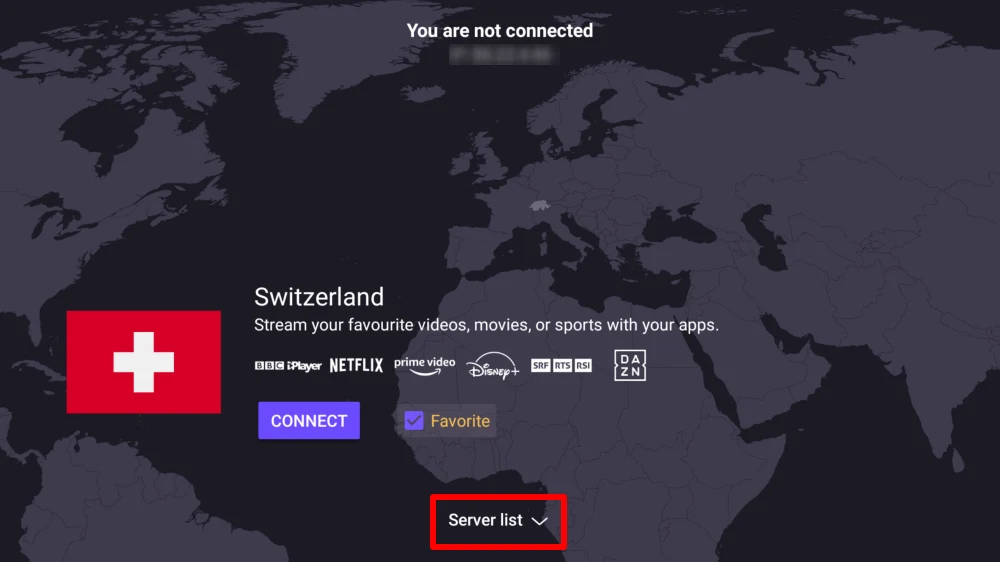
Once you’re signed in to a paid Proton VPN account, just use your remote to browse the country list.